
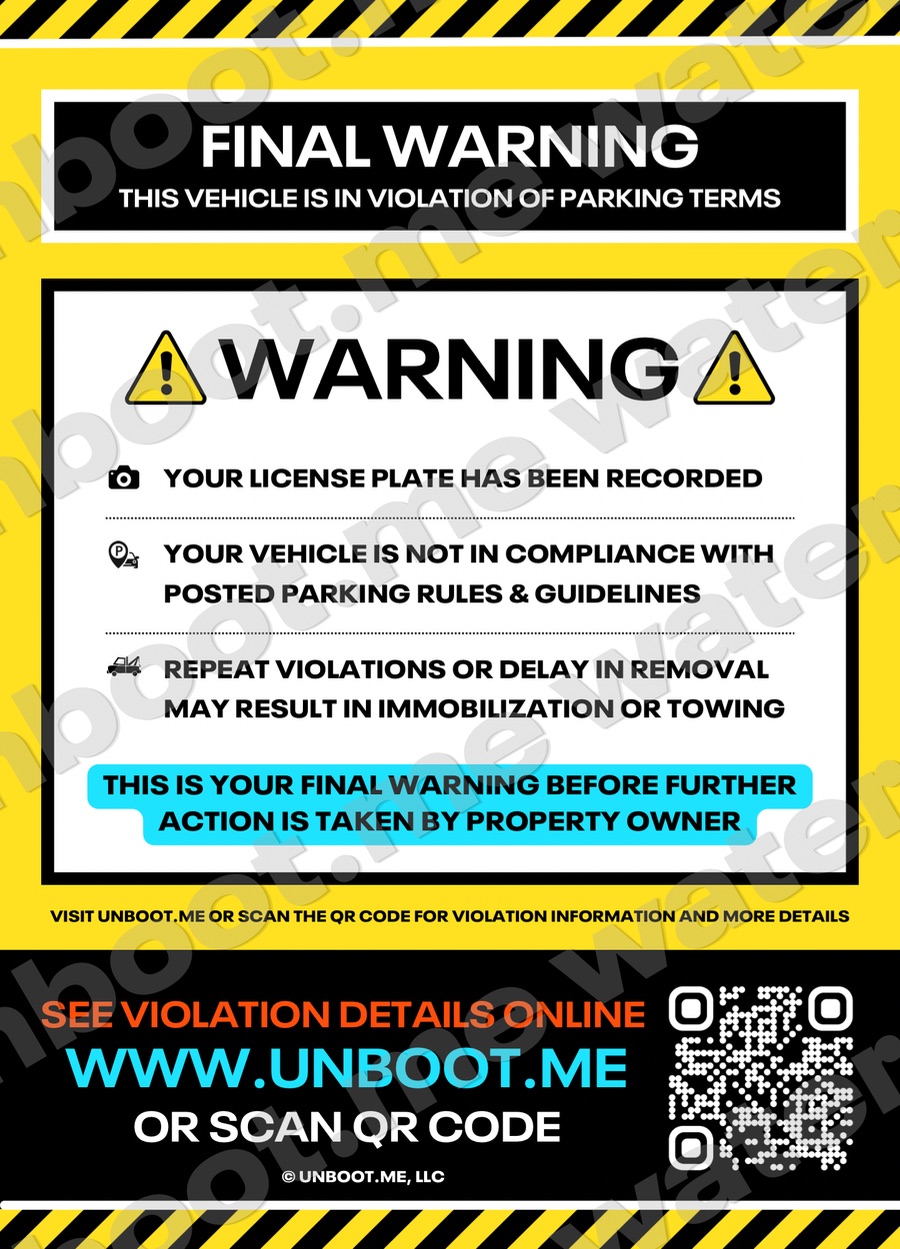
Step 01 · Notice
Warning
The first move on almost every vehicle. No fee and no device, but the plate, the photos and the posted rule are on the record from this moment.
Size5 × 7 in
Fee$0
ClosesAuto, 36 hours
AdhesiveLow-tack, glass-safe
QROpens the live case
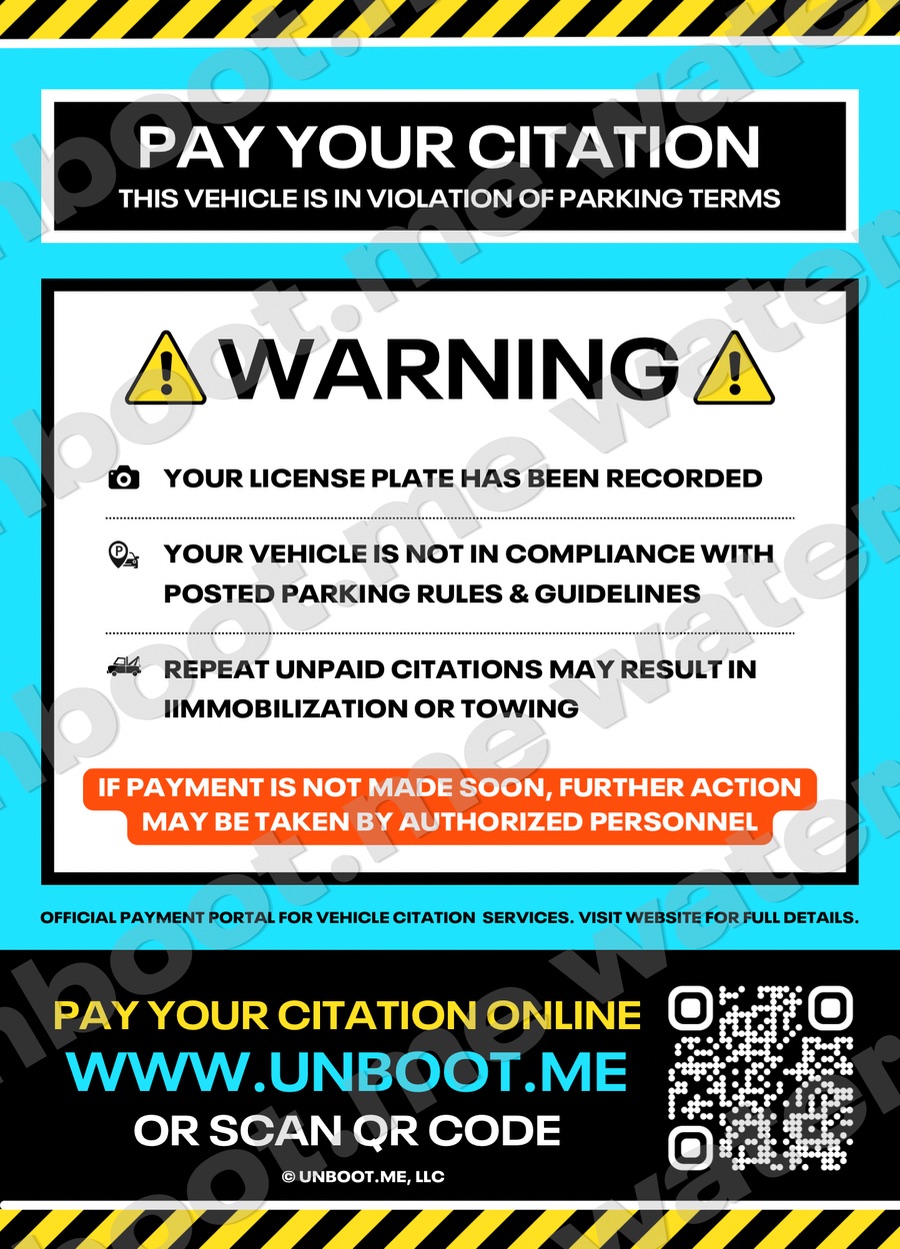
Step 02 · Escalation
Citation
A fee set by the property, payable online in minutes. Photos, GPS and the rule are already attached, so the record answers the dispute.
Size5 × 7 in
FeeProperty-set
PaymentOnline, card
ReceiptPDF with paper trail
QROpens the live case
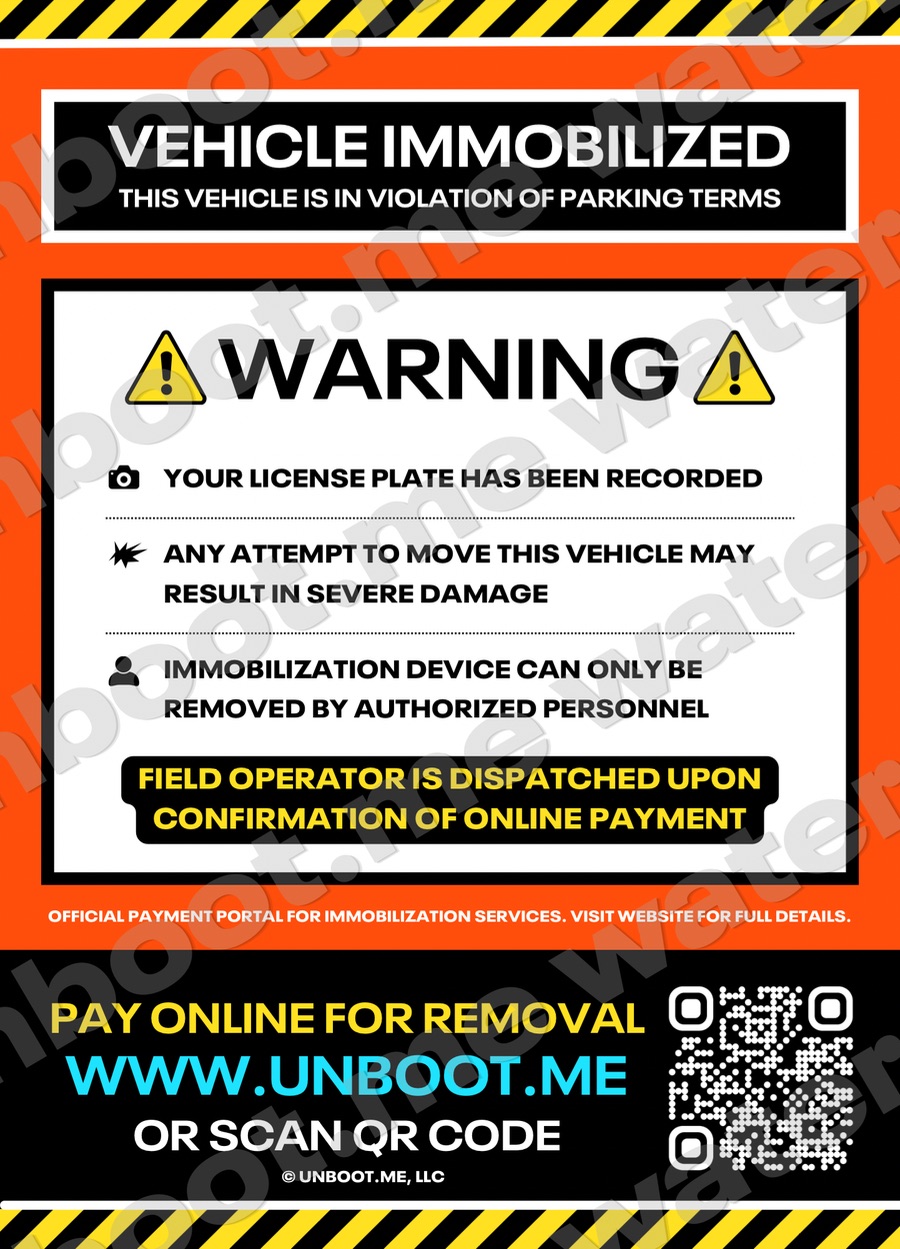
Step 03 · Last resort
Immobilization
One tool in the system, not the whole of it. Once payment confirms, an operator is dispatched and the release ETA starts counting down.
Size5 × 7 in
ReleaseOn confirmed payment
DispatchAutomatic to the operator
ETALive countdown
QROpens the live case
—— Side by side
Same record.
Different consequence.
Warning
Fee
$0
Device
None
Driver action
Move or comply
Closes
36 hours, automatic
On the record
Yes
Citation
Fee
Property-set
Device
None
Driver action
Pay online
Closes
On payment
On the record
Yes, with evidence
Immobilization
Fee
Property-set + release
Device
Boot
Driver action
Pay, wait for release
Closes
On operator release
On the record
Yes, with dispatch log
—— Placement
Place it once.
The record does the rest.
01
Document
Up to three timestamped photos and the plate before anything goes on the glass.
02
Place
Driver-side windshield, clear of the wiper sweep and the driver’s sightline.
03
Log
The decal number links to the record automatically. Nothing is written by hand.
04
Resolve
The driver scans, sees their own case, and settles it without a phone call.